यूजीसी नेट जून 2026 आवेदन सुधार विंडो खुली
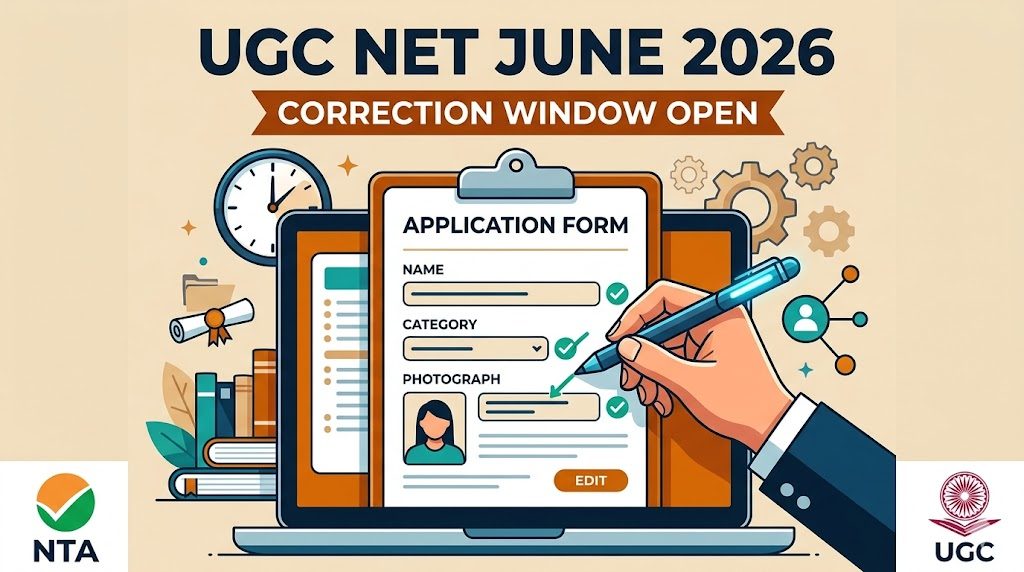
NTA UGC NET June 2026:
Correction / Edit Form Started
यूजीसी नेट जून 2026 आवेदन सुधार विंडो खुलीThe National Testing Agency (NTA) has officially opened the application correction window for the UGC NET June 2026 examination. Candidates who successfully submitted their online application forms but made errors—such as incorrect spellings, wrong photograph uploads, or incorrect category selection—can now log in to modify and correct their details.
This is a one-time facility provided by the NTA. Once the correction window closes, no further requests for changes to the application form will be entertained under any circumstances. Candidates are strongly advised to review their submitted forms carefully and make necessary edits before the deadline.
1. What Can Be Edited in the UGC NET Form?
NTA has strict guidelines regarding which fields can be modified. Depending on how you registered (with or without Aadhaar verification), the editable fields vary slightly. Here is the general breakdown:
| Particulars | Editable / Non-Editable Details |
|---|---|
| Strictly Non-Editable | Mobile Number, Email Address, Aadhaar Number, Permanent/Present Address. |
| Candidate Identity | Candidate’s Name, Father’s Name, Mother’s Name (You can generally modify only one of these three). |
| Academic & Exam Details | Post-Graduation details, Chosen Subject for NET, Exam City Preferences, Medium of Question Paper. |
| Personal Details | Category (General/OBC/SC/ST), PwD status, Date of Birth. |
| Documents | Photograph and Signature (If the uploaded image is blurred, incorrect, or missing a white background, it must be replaced). |
Important Note on Category Change & Fees
If you change your category (e.g., from SC to General or OBC to General), you will be required to pay the difference in the application fee. The correction will be considered complete only after the additional fee payment is successful.
2. How to Edit the UGC NET June 2026 Form (Step-by-Step)
To make corrections to your application form, follow these simple steps:
Visit the Official Website
Go to the official NTA UGC NET portal: ugcnet.nta.ac.in.
Log In to Your Dashboard
Click on the “UGC NET June 2026 Correction Window” link under the Candidate Activity section. Enter your Application Number, Password, and the security pin to log in.
Click on “Correction in Application Form”
Read the instruction pop-up carefully, agree to the terms, and proceed to the editable application form.
Make the Necessary Changes
Navigate through the tabs (Personal Details, Exam Center, Uploads) and correct the spelling mistakes, update academic data, or upload a clear photograph/signature as needed.
Pay the Additional Fee (If Applicable)
If your changes result in a higher fee bracket (like changing category to General), pay the balance amount via Net Banking, UPI, or Debit/Credit card.
Submit and Print the Revised Confirmation Page
After successfully submitting the corrections, download and print the revised Confirmation Page. This is proof that your corrections have been accepted.
Guidelines for Photo and Signature Upload
Many forms are rejected due to invalid photos. Ensure your photo is recent, has a clear white background, shows 80% face coverage (without mask/sunglasses), and is within 10kb – 200kb in JPEG format. Signatures must be in black/blue ink on white paper (4kb – 30kb).
3. Important Links
Use the direct official links below to navigate to the correction window safely without leaving this page.